Just a few thought-provoking excerpts in non-chronological order from one of the many books I’m currently reading called “Twelve Steps to a Compassionate Life” by well-known religious commentator Karen Armstrong:
Capitalism and post-colonial psychology. Made me randomly ponder the link between post-colonial psychology and domination of women in certain countries, wondering if there is some connection between post-colonial emasculation and unhealthy attempts to re-gain masculinity through abuse/domination of women?
Interesting analysis of Islam image still pertinent today. Reminds me of how the media and society villainize(d) certain groups ie immigrants, Jews, women now and during times of witch burnings etc….as a means to expunge their Shadow selves?
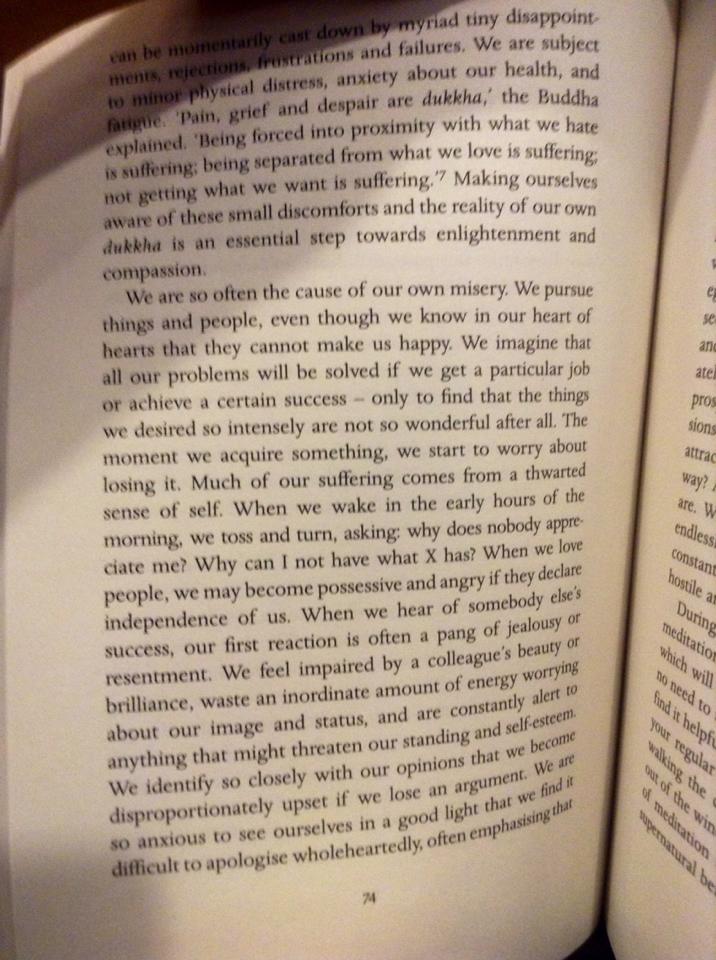
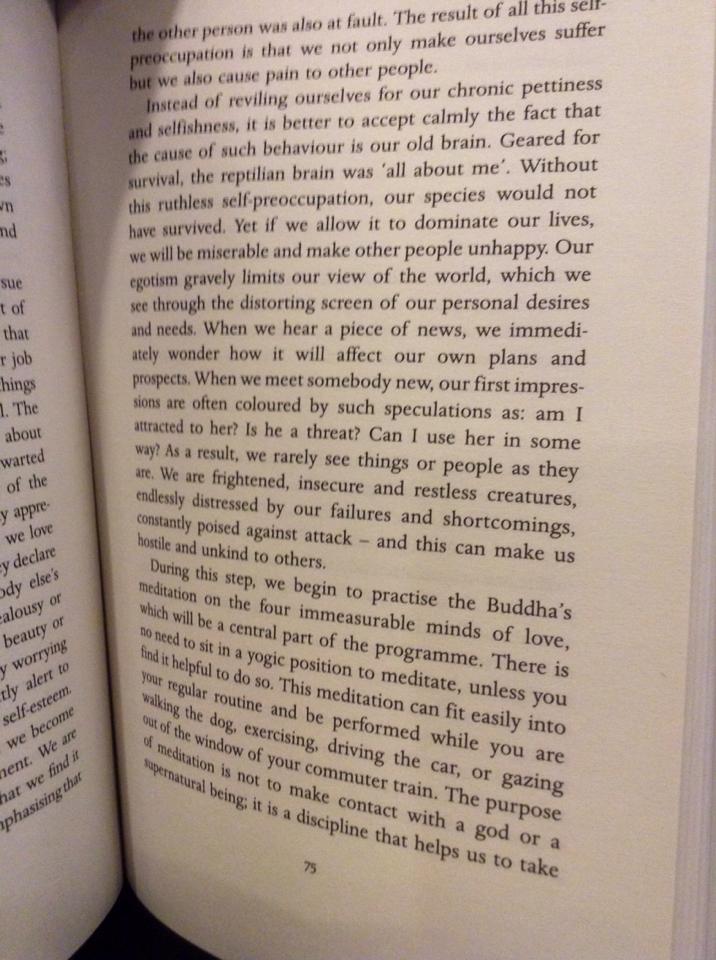
Why trying to be a Somebody is the path to suffering:
I’m reading a lot of Byron Katie and consequently shedding a ton of limiting beliefs. I am learning that all I ever have to lose in any given painful situation is the story I have concocted in my head about the situation, and its possible consequences/outcomes. People and events are what they are; life simply is what it is. The words we use to describe it all, however, is a story we have created – not necessarily reality. The reality is an event happened, a person did or said something, and that is that. Whether it becomes a problem or a miracle, a heartbreak or inspiration, is a part of the story we create – as are the resulting thoughts and feelings formulated from this interpretation.
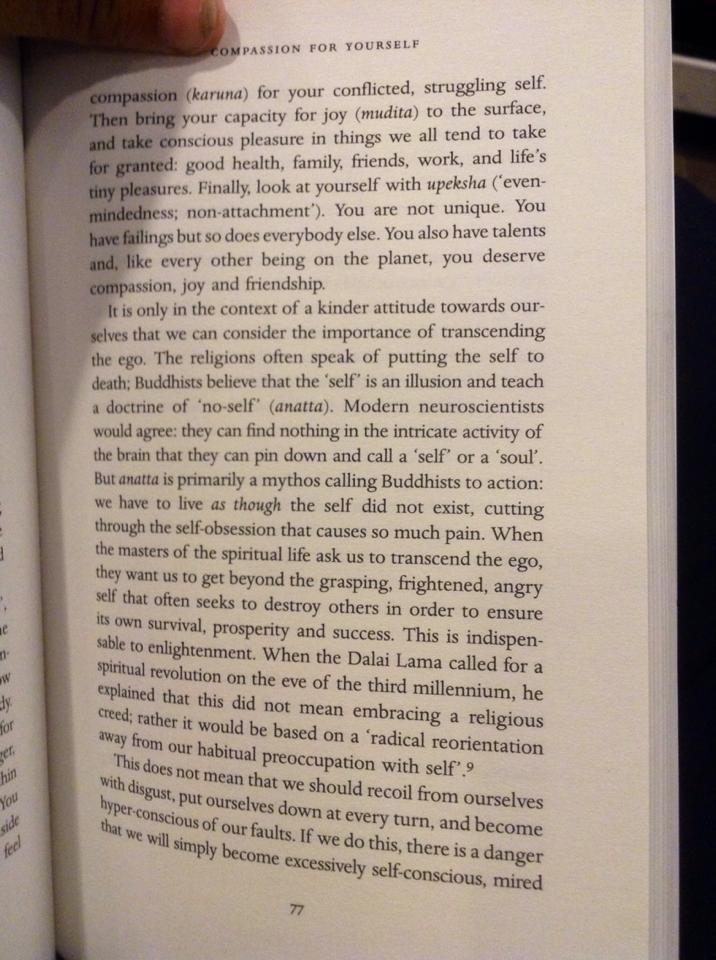
Another lesson I am learning from her work is about the connection between our relationships with others and ourselves. When we find it hard to be by ourselves, it is usually because we find it hard to be alone with our thoughts. Change, examine, and question your thoughts, and you change your relationship with yourself for the better. Your thoughts and feelings are not always true. Paying attention to your thoughts and your feelings and self-correcting as you go is paying attention to yourself, giving yourself the validation you seek but search for elsewhere. Developing good, intimate and meaningful relationships requires that you develop such a relationship with yourself, your thoughts and feelings first. Journaling, meditation, quiet time, personal growth books, creativity etc… can help one get in touch with these things, or at least these are things that have helped me.
I’ve just set-up the WordPress.org website for my online magazine and I’m ecstatic. While of course there’s no content uploaded yet, it’s one thing to dream about something and quite another to actually see it start to come to fruition! At the moment, I prefer to keep details of the project quiet, but I will certainly divulge more later.
For now, though, I wanted to discuss the technical aspects of actually setting up the site. There are a couple of things I noticed that, for a beginner, might be confusing at first. That worried me a bit. I believe the hardest part in anything is simply starting. Setting up your website, it’s easy to give up at the first hurdle and experience overwhelming existential angst (“why isn’t my theme uploading on WordPress.com!? What am I doing with my life!? Who am I!? Why am I!? Where’s the chocolate!? ARGH!”).
After you’ve finally worked up the nerve to start your own project, whatever it may be, that would certainly be a shame.
That’s why I wanted to write this post. I really think after you have something set up that you can just see, everything else becomes so much easier. So here are a couple of notes I made on the very first few steps that I believe could turn into obstacles along the way:
1. WordPress.com vs WordPress.org
These are two different websites founded by the same guy, but just with different names. Yes, I agree, they could have probably alleviated a lot of headaches by differentiating the two more clearly, but what are you going to do? It’s important for you to understand this before you purchase any themes or even a host. This knowledge will help you determine: 1) where to buy your theme and 2) if you even need a host.
Right now, I am writing on the free WordPress.com site that WordPress hosts because I am cheap like that. On WordPress.org, however, you’re self-hosted which gives you a lot more control over your website. For example, you can install Google Analytics, which is one of the many reasons businesses use it.
Now, if you’re just blogging for friends and family, it might be easier to use WordPress.com. You’ll get everything you need without the price tag, unless you purchase one of WordPress.com’s themes or a domain — even that, it might work out cheaper. (What does it mean to buy a domain and why would I want to do that? Good question! Buying a domain basically means getting rid of the “wordpress” in your URL. So instead of sheenavasani.wordpress.com, this blog would be sheenavasani.com if Sheena wasn't so stingy.)
2. Research And Find A Host First, Then Install WordPress.Org
If you choose to use WordPress.org, you cannot use it unless you buy a plan through a host like Bluehost or GoDaddy, and then install the WordPress.org software. On Bluehost, this is as easy as literally clicking “Install WordPress”, although it can be a little more tricky with other hosts. You may need to download directly from the WordPress.org website and follow their instructions.
There are a ton of posts out there comparing hosts. (Whoop, I rhymed!) Here are just a few:
On both WordPress websites, you can choose free or premium themes. Here’s the thing though: if you’ve bought a theme from a third-party, you cannot install it on your WordPress.com website. You will only be allowed to upload that theme after you’ve downloaded the WordPress.org software.
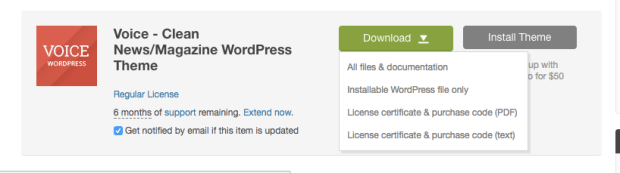
What this means is that, after you buy a theme, all you need to do is click on “Themes” (I know, I know, if I had a penny every time I wrote the word “theme”…) in your WordPress.org administrative website. At the very top, you will read something like “Upload” which is where you will upload your theme’s files. Make sure you install the right ones! On ThemeForest, a very reputable third-party, that means to upload “Installable WordPress file only”.
Like with hosts, there are a lot of great pieces out there about themes. I bought the “Voice Theme” from ThemeForest, which I love. I learned about it while reading an article over at ColorLib.com.
So there you go! I’m sure there are a lot more things I could write, and if I think of them, I’ll be sure to update this post. In the meantime, good luck with your endeavors!
Ruby On Rails was the first programming language I was exposed to, and looking back, I am glad it was. I think it helped that it heavily uses English in a way that a newbie can understand, so it made learning to code less intimidating. However, it also means when it was time to learn my second language, Javascript, I recall staring dumbfounded at the screen thinking one thing only: “WHAT THE F*** KIND OF AN ALIEN LANGUAGE IS THIS!?!?!”
Thankfully, my relationship with Javascript improved when I tinkered about with my first Javascript challenge: reversing a string. Before working on the program, I sat down and compared Ruby syntax with Javascript to make a note of the similarities and differences. That was a life-saver! Here is the first batch of just some observations I made back then that really helped me break Javascript into something I could more easily grasp:
1. Variables:
Javascript’s variables are just slightly longer than Ruby. In addition to the variable and the value, you also have to include”var” and a semi-colon (in fact, make sure you end every line in your program with a semi-colon) like so:
Ruby:
best_pet = "cats"
Javascript:
var best_pet = "cats";
2. Debugging/Printing Variables and Interpolation:
Ruby: In Ruby, it’s all about good old”puts”. Also, to insert the variable in a string, we use interpolation:
puts "my cat is the #{best_pet}"
Javascript: In Javascript, we use console.log. After you declare a variable in Javascript, do not refer to that same variable with a var. Just refer to the name. Also, just an fyi: please be very careful not to include the variable in the preceding string! It’s a very easy typo to make, and one that has caused me tremendous existential angst in later programs:
console.log("my cat is the" + best_pet);
3. If/Else Statements:
Ruby: We’ve got the usual if/else/elsif conditional flow:
learning_to_code = true
human_being = true

if learning_to_code && human_being
   puts "You are awesome!"
elsif learning_to_code && !human_being
   puts "Wha.....!!?"
end
Javascript: Similar, but with an “else if” and some of the other syntactic differences pointed out already:
var learning_to_code = true;
var human_being = true;

if (learning_to_code && human_being) {console.log("You are awesome!");
}
else if (learning_to_code && !human_being) {console.log("Wha....!!?");
}
4. Functions/Methods:
Ruby: Javascript functions are Ruby’s methods:
def cat(name)
 puts "Hello" + name.to_s
end
Javascript: And, of course, Ruby’s methods are Javascript’s functions:
function cat(name) {
return " Hello " + name
}
5. For Loops:
I think loops look much less complicated in Ruby than in Javascript. Here’s what I mean:
Ruby:
"Meow".chars.each do |letter|
   puts letter
 end
Javascript:
var string = "Meow!";
for (var i = 0; i < string.length; i++) {
   console.log(string[i]);
}
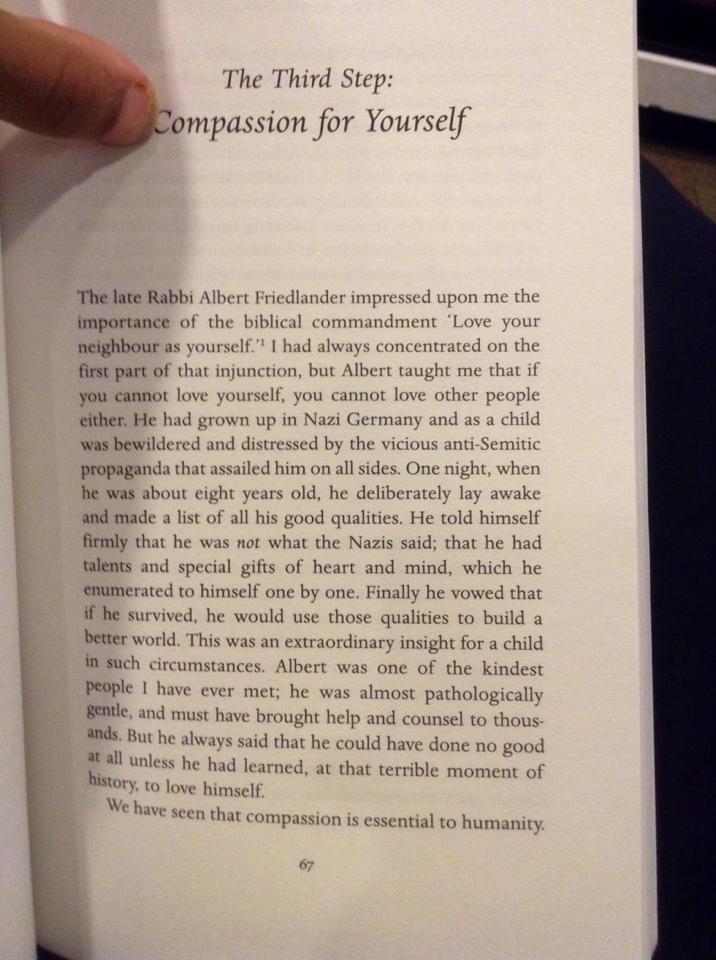 Capitalism and post-colonial psychology. Made me randomly ponder the link between post-colonial psychology and domination of women in certain countries, wondering if there is some connection between post-colonial emasculation and unhealthy attempts to re-gain masculinity through abuse/domination of women?
 Interesting analysis of Islam image still pertinent today. Reminds me of how the media and society villainize(d) certain groups ie immigrants, Jews, women now and during times of witch burnings etc….as a means to expunge their Shadow selves?




























 Sheena Vasani